Browse Policies & Filtering
- Dashboard overview
- Insights overview
- Sites Overview - Network Deployments
- Policies Overview - Create and Edit
- Custom Lists overview
- Clients Overview - Device Agents and Profiles
- Users Overview - Directory Users and Personas
- Organizations Overview - MSP Tenant Management
- Lookup Tool Overview
- Query Log Overview
- Settings Overview - Account Administration
- Help & Support Overview
- Signing In - Login, 2FA, and Password Reset
- Two-factor authentication (2FA)
- Add system users (role-based access)
- Check domain classification with the Lookup Tool
- Configurable objects and their associations
- Configure notifications
- Working with organizations (multi-tenant)
- Working with policies
- Content categories
- Security categories
- Application categories (Zero Trust app management)
- Working with allow and block lists
- Zero Trust TLD Filters
- Safe Search explained
- Safe Search supported search engines
- YouTube Restricted Mode explained
- Custom block pages
- Prevent DNS bypass
- Don't mix DNS providers
- Active Directory group policies
- Entra ID group policies
- Tracking individual users
Safe Search supported search engines
Which search engines ScoutDNS can enforce Safe Search on (Google and Bing), and what happens to other engines under Enabled + Block Search Engines.
ScoutDNS Safe Search works by redirecting DNS queries for a search engine’s normal endpoint to its safe variant. That mechanism only works for search engines that publish a separate “safe” DNS endpoint.
Supported today
| Search engine | DNS-based Safe Search |
|---|---|
| Supported | |
| Bing | Supported |
Other engines (Yahoo, DuckDuckGo, Brave, Startpage, etc.) implement Safe Search via URL parameters rather than separate DNS endpoints, so DNS-layer filtering can’t enforce their safe mode.
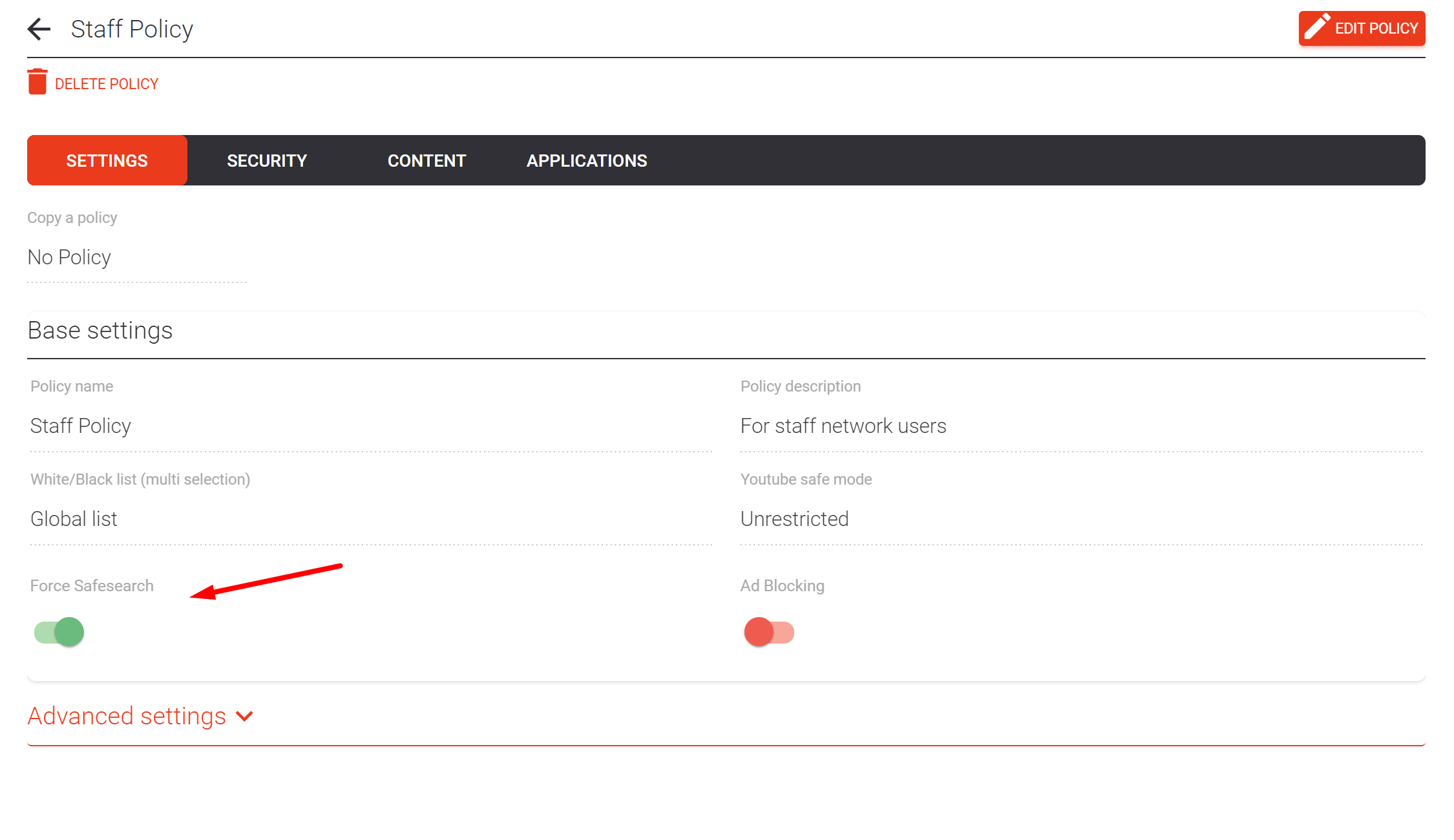
With Enabled + Block Search Engines
When Safe search is set to Enabled + Block Search Engines on a policy:
- Queries to Google and Bing get redirected to the safe variants.
- Everything else classified as a search engine is blocked entirely, which commonly includes product search, travel search, and other search-style portals.
If a specific engine or search-style site is required (or an app uses one for its in-app search), add its domain to a custom allow list the policy uses.
With Enabled
Same Google and Bing redirection, but other search engines remain accessible. Useful when you want safer Google/Bing results without cutting off alternatives.
Adding support over time
As more search engines publish DNS-based Safe Search endpoints, ScoutDNS will add them to this list. If your preferred engine isn’t here today, the only DNS-layer path is via custom allow/block lists, not Safe Search.
Related
- Safe Search explained, settings and use cases
- Working with allow and block lists, allowing specific engines under Enabled + Block Search Engines
- Policies Overview - Create and Edit, where the Safe search setting lives