Browse Policies & Filtering
- Dashboard overview
- Insights overview
- Sites Overview - Network Deployments
- Policies Overview - Create and Edit
- Custom Lists overview
- Clients Overview - Device Agents and Profiles
- Users Overview - Directory Users and Personas
- Organizations Overview - MSP Tenant Management
- Lookup Tool Overview
- Query Log Overview
- Settings Overview - Account Administration
- Help & Support Overview
- Signing In - Login, 2FA, and Password Reset
- Two-factor authentication (2FA)
- Add system users (role-based access)
- Check domain classification with the Lookup Tool
- Configurable objects and their associations
- Configure notifications
- Working with organizations (multi-tenant)
- Working with policies
- Content categories
- Security categories
- Application categories (Zero Trust app management)
- Working with allow and block lists
- Zero Trust TLD Filters
- Safe Search explained
- Safe Search supported search engines
- YouTube Restricted Mode explained
- Custom block pages
- Prevent DNS bypass
- Don't mix DNS providers
- Active Directory group policies
- Entra ID group policies
- Tracking individual users
Safe Search explained
How ScoutDNS enforces Safe Search on Google and Bing, what each setting does, and how to handle apps that depend on raw search results.
ScoutDNS can enforce Safe Search on Google and Bing at the DNS layer. When enabled, the search engines hide adult-oriented results and block certain explicit queries entirely, including images and videos.
How it works
DNS-based Safe Search works by overriding the DNS response for Google’s and Bing’s search endpoints, pointing browsers at the “safe” variants Google and Bing host for schools and businesses. ScoutDNS doesn’t filter results in transit, Google and Bing apply the safe-results filter themselves once redirected.
Not every search engine supports this mechanism. Yahoo, DuckDuckGo, and similar engines don’t expose a “safe” DNS variant, so ScoutDNS controls them differently depending on the mode you pick.
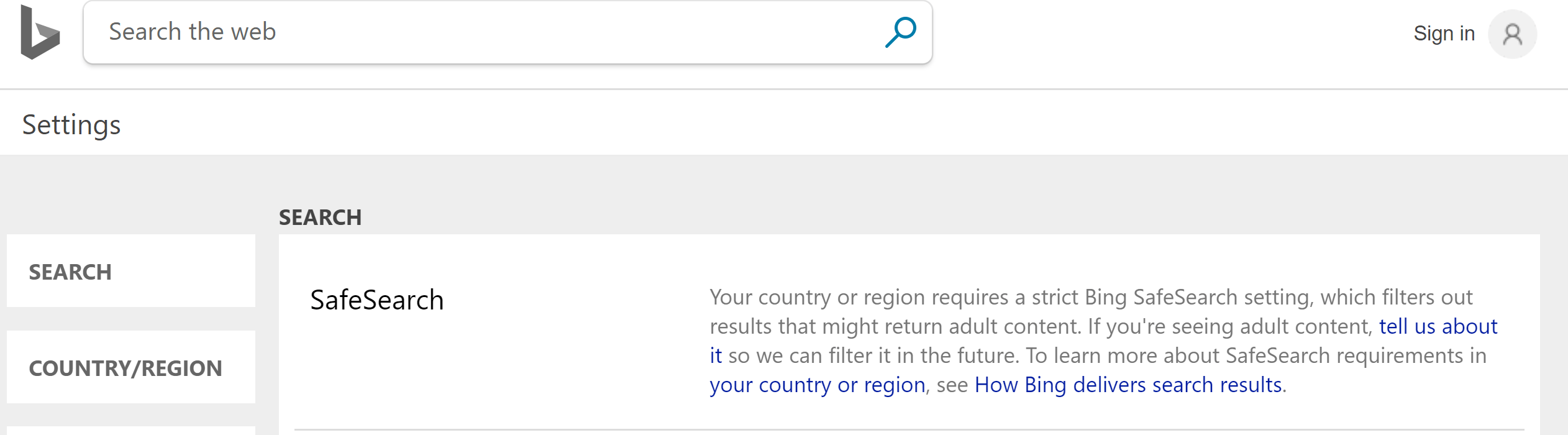
Safe Search settings
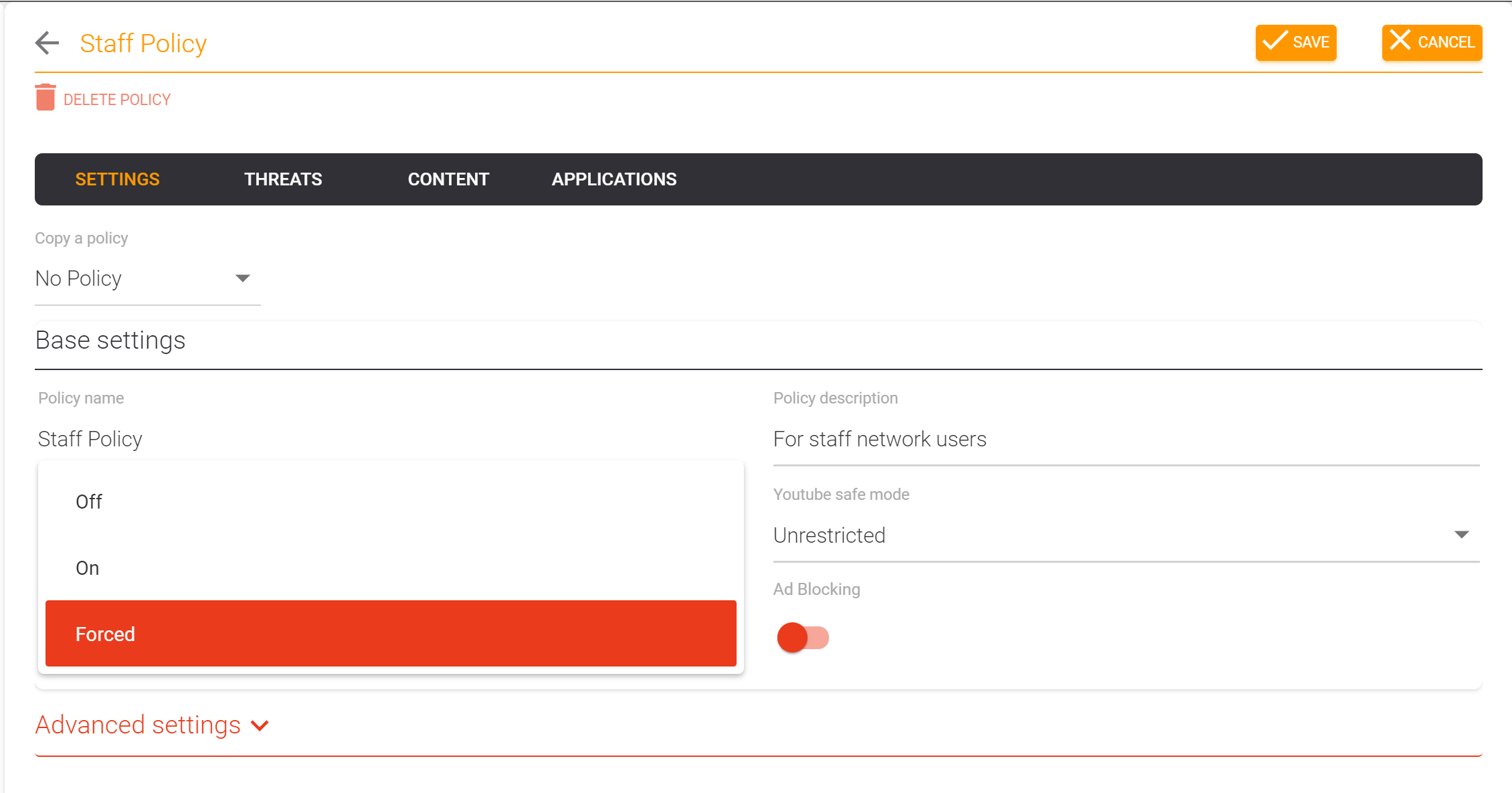
Each policy’s Safe search control (on the Settings tab of the policy editor) has three settings:
| Setting | Google & Bing | Other search engines |
|---|---|---|
| Off | No enforcement | Allowed |
| Enabled | Forced into Safe Search | Allowed (Yahoo, DuckDuckGo, etc. reachable normally) |
| Enabled + Block Search Engines | Forced into Safe Search | Blocked entirely |
Pick Enabled when you want safer Google and Bing results without cutting off alternative engines. Pick Enabled + Block Search Engines when policy requires channeling users through only the engines that enforce safe search.
[!WARNING] Enabled + Block Search Engines blocks anything classified as a search engine, which commonly includes product search, travel search, and other search-style portals your users may need. Pilot it before a wide rollout; see Policies Overview - Create and Edit for the full caution.
Handling broken web apps
Some web apps depend on raw, non-filtered search results to power features (e.g. an in-app search bar that queries Google). Forcing Safe Search can break those apps.
[!TIP] If an app stops working, check Logs to see which search domain the app is querying, then add that specific domain to an allow list the policy uses. You can keep Enabled + Block Search Engines active and selectively allow just the engines you want to permit.
If the impact is broader than a single app, drop the setting from Enabled + Block Search Engines to Enabled so non-Google/Bing engines stay reachable.