Browse Integrations & API
- Dashboard overview
- Insights overview
- Sites Overview - Network Deployments
- Policies Overview - Create and Edit
- Custom Lists overview
- Clients Overview - Device Agents and Profiles
- Users Overview - Directory Users and Personas
- Organizations Overview - MSP Tenant Management
- Lookup Tool Overview
- Query Log Overview
- Settings Overview - Account Administration
- Help & Support Overview
- Signing In - Login, 2FA, and Password Reset
- Two-factor authentication (2FA)
- Add system users (role-based access)
- Check domain classification with the Lookup Tool
- Configurable objects and their associations
- Configure notifications
- Working with organizations (multi-tenant)
- Working with policies
- Content categories
- Security categories
- Application categories (Zero Trust app management)
- Working with allow and block lists
- Zero Trust TLD Filters
- Safe Search explained
- Safe Search supported search engines
- YouTube Restricted Mode explained
- Custom block pages
- Prevent DNS bypass
- Don't mix DNS providers
- Active Directory group policies
- Entra ID group policies
- Tracking individual users
API access
Create and manage API keys for the ScoutDNS Operator API under Settings, API Keys. Bearer-token authentication, key lifecycle, OpenAPI reference on SwaggerHub.
The ScoutDNS Operator API exposes the same primitives as the console, sites, networks, policies, allow/block lists, activity, and reports, as a REST/JSON service. Admins self-manage the account’s keys under Settings → API Keys.
[!NOTE] This article covers the public Operator API. For access to specialized APIs (e.g. the OEM API), contact support directly.
Create an API key
- Open Settings → API Keys and click New API Key.
- Enter a description (what the key is for, which system uses it) and Save.
- Use the Copy button in the API Key column to grab the key value.
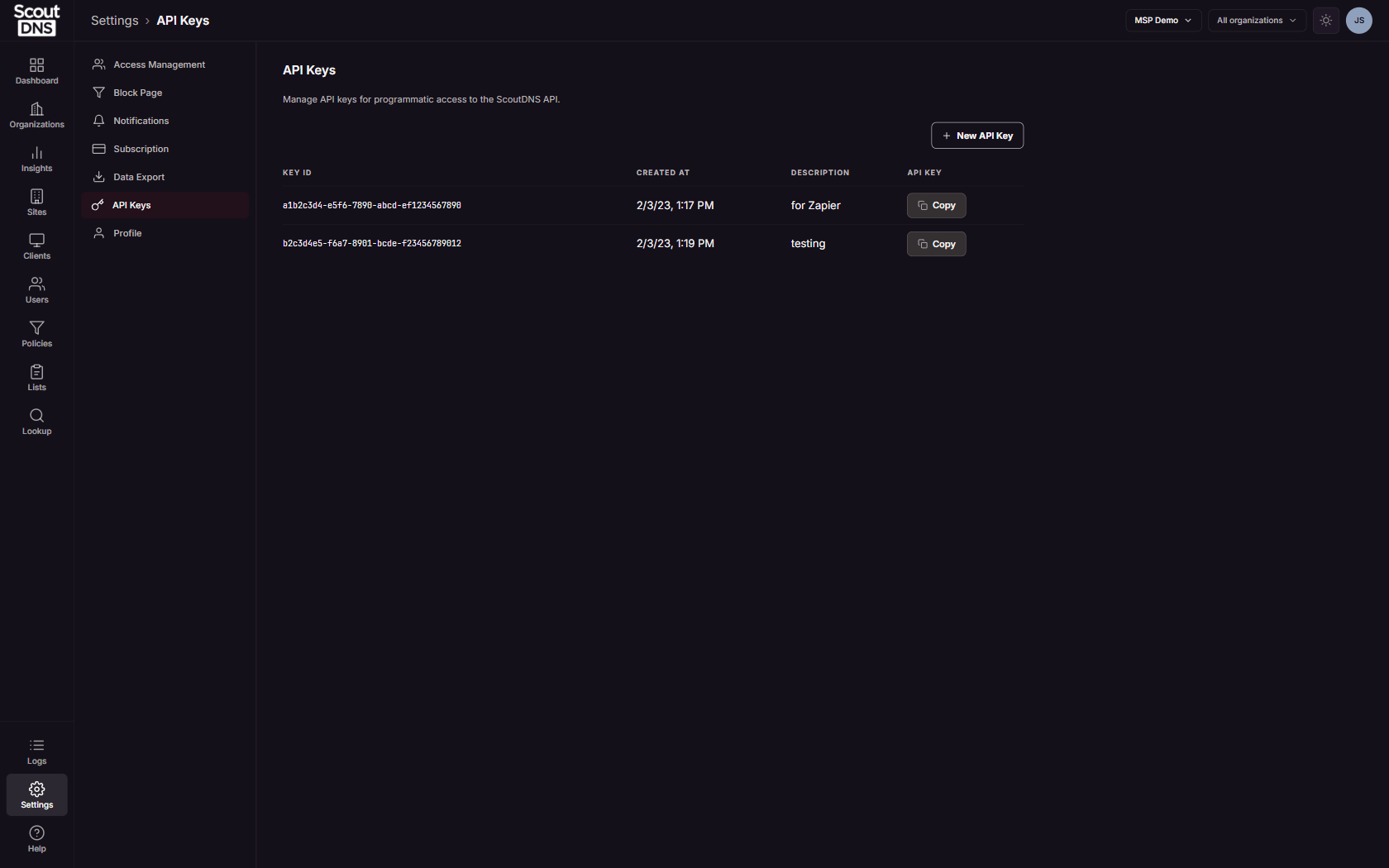
Every key has two values, and they are not interchangeable:
- Key ID: a UUID that identifies the key in the list. It cannot authenticate anything.
- API Key: the bearer credential itself. It is never displayed on screen, but you can copy it at any time with its Copy button, at creation or later.
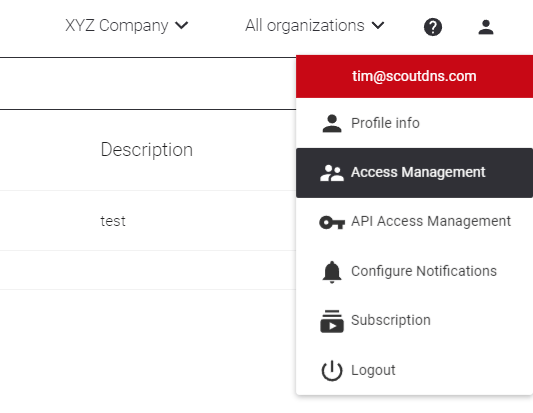
Keys have no per-key scopes or expiry; each key carries full Operator API access for the account. The number of keys you can hold is your plan’s API keys allowed allowance, shown under Settings → Subscription.
[!IMPORTANT] Revoking a key is instant and cannot be undone; anything still using it starts failing immediately. To rotate a key, create the new key first, move your integrations over, then revoke the old one.
Authenticate API requests
Send the key as a bearer credential in the Authorization header on every request:
curl -H "Authorization: Bearer <YOUR_TOKEN>" \
     https://api.scoutdns.com/v1/sites
import requests
resp = requests.get(
"https://api.scoutdns.com/v1/sites",
headers={"Authorization": f"Bearer {TOKEN}"},
)
resp.raise_for_status()
print(resp.json())API reference
The complete, machine-readable API specification lives on SwaggerHub. Use it to discover endpoints, request/response shapes, and example payloads:
app.swaggerhub.com/apis/ScoutDNS/ScoutDNS
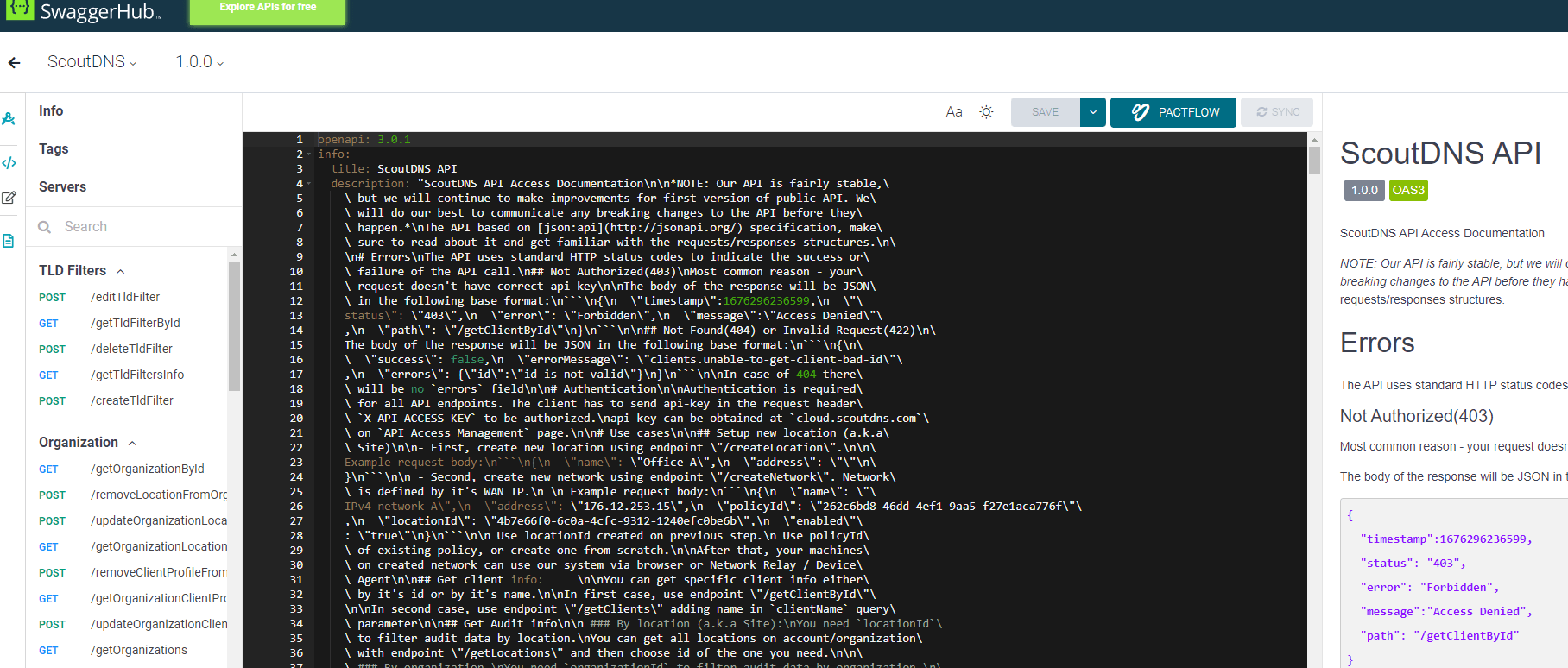
[!TIP] The SwaggerHub page lets you execute requests directly from the browser once you paste a key into the “Authorize” dialog. Quick way to validate a key without writing any code.
Related
- Settings Overview - Account Administration
- SIEM data export for streaming query logs into Splunk or Huntress
- Two-factor authentication for protecting the console accounts that mint keys