Protective DNS should no longer be viewed as optional.
NIST SP 800-81 Rev. 3 gives DNS a more formal role in zero trust and defense-in-depth security architecture. That matters because DNS filtering is no longer just a useful layer for blocking malware, phishing, command-and-control traffic, and unwanted content. It is becoming part of how organizations are expected to enforce DNS policy, improve visibility, and support broader zero trust and defense-in-depth programs.
For IT departments and MSPs, this changes the endpoint requirement. DNS protection has to work reliably across VPNs, ZTNA tools, endpoint security products, and roaming networks. It also has to close common DNS bypass paths, especially as more applications and browsers support encrypted DNS.
That is why we built the new ScoutDNS Windows Client.
The new client is currently in public beta, available to all customers and MSPs who want to try it. The v1 Scout360 agent remains the recommended default until V2 reaches general availability. For deployment details, see the Windows Client (v2) deployment guide.
The old model worked, but endpoint networking changed
Our first Windows agent used a loopback adapter model. It was reliable for a long time and gave customers roaming DNS protection outside the network.
But Windows endpoint networking has changed. More organizations now use modern VPN clients, ZTNA platforms, endpoint security tools, and network access products that do not always work well when another product makes adapter changes.
That was the problem we wanted to solve.
The new ScoutDNS Windows Client does not change adapter DNS settings or NRPT entries. Instead, it works at the system level, using a Windows callout kernel driver to intercept and proxy DNS traffic at the network stack level. A Rust-based system service handles processing and communication with the ScoutDNS resolver network.
This makes it easier to run ScoutDNS alongside VPN, ZTNA, and endpoint security tools. The client enforces DNS policy at the Windows network stack and can block known encrypted DNS bypass paths, without depending on loopback adapter behavior.
Built for protective DNS requirements that are becoming more specific
NIST’s updated DNS guidance is especially relevant because it calls out the need to restrict unauthorized use of public DNS providers. The guidance recommends that organizations restrict stub resolvers to authorized encrypted DNS services where possible, block unauthorized DoT, block unauthorized DoH using RPZs and firewall rules, block DoQ traffic, and use central management tools to prevent users from configuring non-approved external encrypted DNS services.
Approved DNS should be encrypted and protected. Unauthorized encrypted DNS should not be allowed to bypass policy.
The new ScoutDNS Windows Client proxies approved DNS through encrypted DNS to the ScoutDNS global resolver network. It can also block common encrypted-DNS bypass paths, including known public DoH endpoints and standard DoT/DoQ traffic patterns, reducing the ability for browsers, applications, or malware to route DNS around policy.
That gives organizations a practical endpoint control for a problem that is getting harder to manage with network-only enforcement. Users are roaming. Devices are off-network. Apps and browsers can bring their own DNS behavior. Malware can try to use encrypted DNS to avoid inspection. Protective DNS only works if the endpoint cannot quietly route around it.
Better compatibility with modern VPN and ZTNA tools
The move away from adapter changes is not just a technical preference. It is a support and compatibility improvement.
Modern VPN and ZTNA products often take a strong role in endpoint networking. They may manage routes, DNS behavior, tunnels, identity context, posture checks, and application access. Adding another product that changes adapters can create edge cases.
The new ScoutDNS Windows Client avoids that path. It operates at a lower level in the Windows networking stack, which gives ScoutDNS DNS visibility and enforcement without requiring adapter modification.
For IT departments and MSPs, that means fewer conflicts to troubleshoot and a better fit across mixed customer environments.
New architecture, familiar controls
The new Windows Client is a major architectural change, but it keeps the operational controls customers liked in the first ScoutDNS agent.
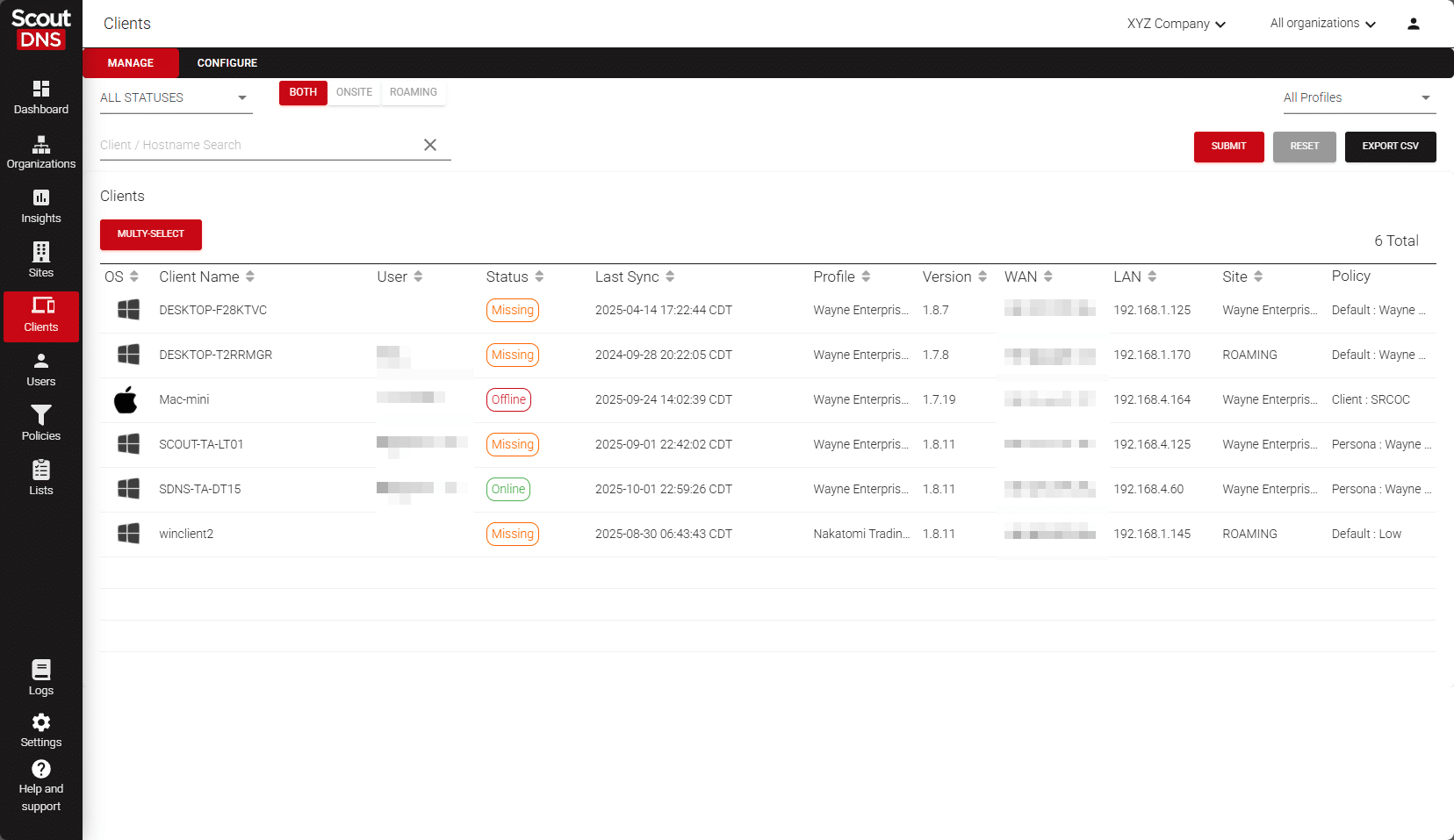
It is still managed through the ScoutDNS Control Plane. Admins can still disable or re-enable the client remotely from the UI with one click, which is important during troubleshooting. Support teams need a fast way to isolate DNS protection without uninstalling software, walking a user through Windows Services, or changing the customer’s network configuration.
The client also keeps the reliability features customers expect. It includes health-aware fail-open behavior so DNS availability can be preserved during service or resolver-network failures, while normal enforcement remains active when the client is healthy. Client status stays visible in the Control Plane. Automatic updates ship with rollback protection if an upgrade fails, and profile-based local forwarding control stays in place.
That last piece matters in real networks. Some customers need specific DNS forwarding behavior for local domains, internal resources, VPN-connected namespaces, or split DNS environments. For split-DNS and VPN/ZTNA deployments, local forwarding can use adapter-aware resolver selection so internal domains continue to resolve through the appropriate local or tunnel-provided DNS path.
Why Rust matters here
The new Windows Client is written in Rust. The service handles DNS traffic continuously on every endpoint it runs on, so we wanted memory safety and predictable long-running behavior in the foundation, not retrofitted later.
What this means for ScoutDNS customers
The new ScoutDNS Windows Client makes endpoint protective DNS more practical to enforce.
It provides system-level DNS visibility and enforcement without network adapter changes. It proxies approved DNS through encrypted DNS to the ScoutDNS global resolver network. It helps block unauthorized encrypted DNS bypass attempts to known public resolver services. It fits better with modern VPN and ZTNA products. And it keeps the Control Plane management, fail-open behavior, update protection, and forwarding controls customers already rely on.
ScoutDNS rebuilt the Windows client for where DNS protection is headed, without taking away the operational simplicity that made the first agent work well for IT departments and MSPs alike.
For installation and rollout details, see the Windows Client (v2) deployment guide.